The YTMP4 YouTube to MP4 converter saves any public YouTube video as an MP4 file in the quality you choose. Paste the link above and YTMP4 lists every MP4 size the video has: 1080p, 720p, 480p, 360p, 240p and 144p, each with sound. It’s a free way to convert YouTube to MP4 online on any phone or computer.
Why YouTube to MP4 needs a proper converter
YouTube doesn’t store ready-made MP4 files above 360p. For HD it keeps a picture-only stream and a separate sound stream, and its player mixes them as you watch. That’s why many “YouTube to MP4” sites give you a silent 1080p file or stop at 720p.
YTMP4 picks the H.264 picture in the size you want and the AAC sound, and merges them into one MP4 while it downloads. Nothing is re-encoded, so the MP4 looks exactly like YouTube at that quality.
Download YouTube videos in 1080p MP4
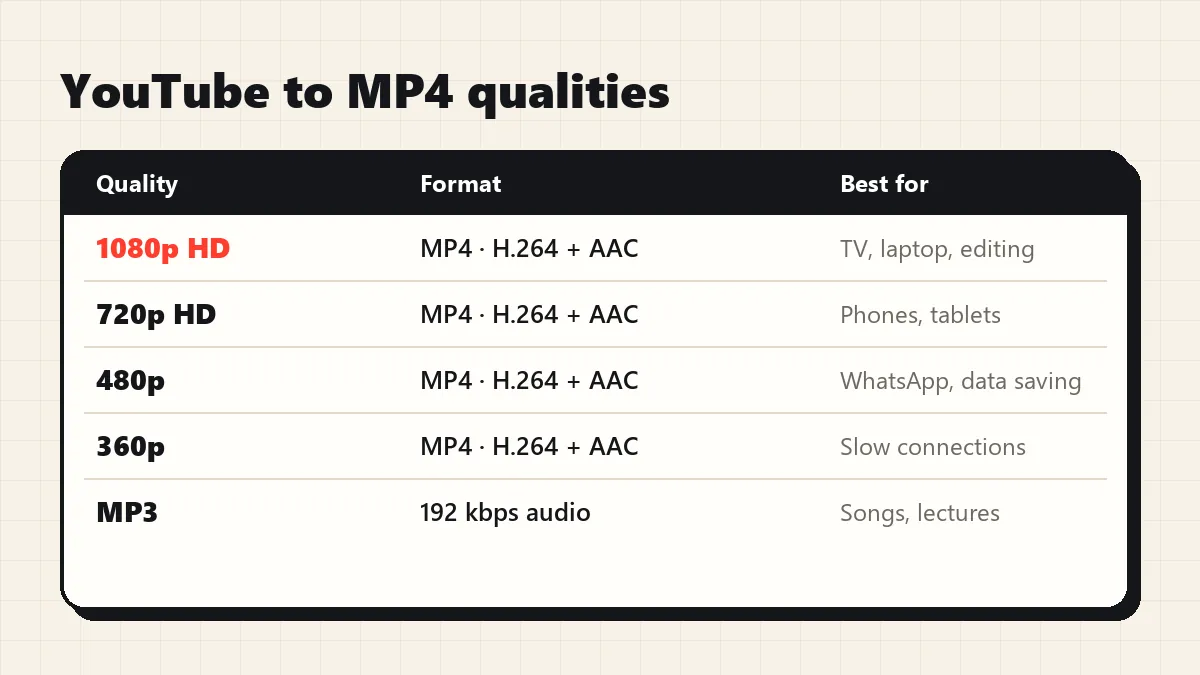
| MP4 quality | Typical size per minute | Good for |
|---|---|---|
| 1080p | 10–25 MB | TV, laptop, editing |
| 720p | 5–8 MB | Phones and tablets |
| 480p | 2.5–5 MB | WhatsApp, mobile data |
| 360p | 1.5–2.5 MB | Slow connections |
| 240p / 144p | under 1.5 MB | Saving space |
For the best picture, choose 1080p. If the uploader only published 720p, YTMP4 shows 720p as the highest option, the real maximum.
Steps to convert YouTube to MP4
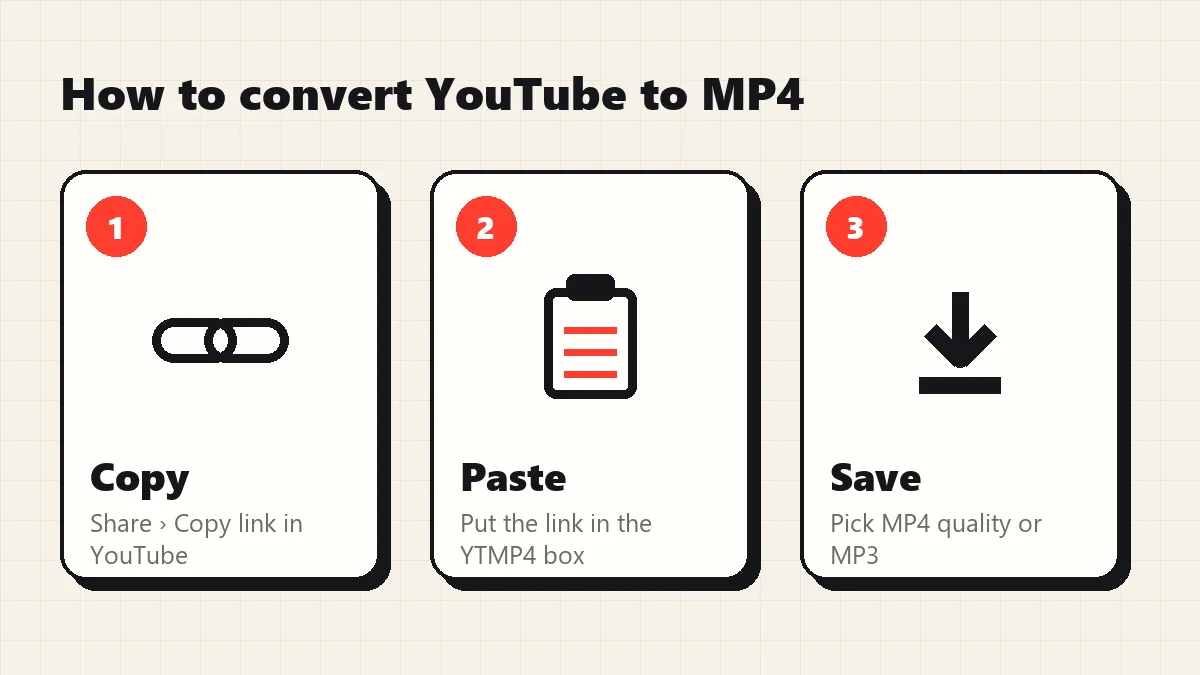
- Open the video in YouTube and tap Share › Copy link.
- Paste the link into the box at the top of this page.
- Press Convert, stay on the MP4 video tab and choose a quality.
- Press Download. The MP4 saves to your Downloads folder.
YouTube video to MP4 download without software
People often ask how to convert YouTube videos to MP4 without installing a YouTube downloader. With YTMP4 the YouTube MP4 download happens in the browser: paste the link, pick 1080p or a smaller size, and the YouTube video to MP4 file is saved straight to your device. You can download YouTube videos this way on Android, iPhone, Windows and Mac.
MP4 that works everywhere
Some converters hand out WebM, VP9 or AV1 files that older phones, smart TVs and WhatsApp can’t open. Every YTMP4 file is MP4 with H.264 video and AAC sound, so you can play it on any device, put it on a USB stick for the car, or edit it in CapCut, InShot, Premiere or iMovie straight away.
Supported links
Normal youtube.com/watch links, youtu.be share links, Shorts, mobile links, finished live streams, and links copied from inside a playlist (only that video is converted). For vertical videos see the YouTube Shorts downloader; for audio only, use YouTube to MP3.
Troubleshooting
| What you see | Why | Fix |
|---|---|---|
| “Private or needs a login” | Private, members-only or age-restricted | Only public videos convert |
| “Paste the link of one YouTube video” | Channel or playlist page | Open a video and copy its link |
| Size not shown while downloading | The MP4 is merged as it downloads | Normal; let it finish |
| Link expired | Download links last 10 minutes | Paste the YouTube link again |
Convert only videos you have the right to keep, such as your own uploads or Creative Commons content.